Integration module KeyCRM with OpenCart 3
Full two-way exchange between OpenCart/ocStore 3.x and KeyCRM
The comprehensive KeyCRM module for OpenCart and ocStore 3.x synchronizes products, categories, prices, inventory, customers and orders in both directions. The exchange is started automatically via CRON, handles KeyCRM events via webhooks, or manually from the admin panel. The module links existing entities without duplicates and does not change OpenCart core files.
Screenshots
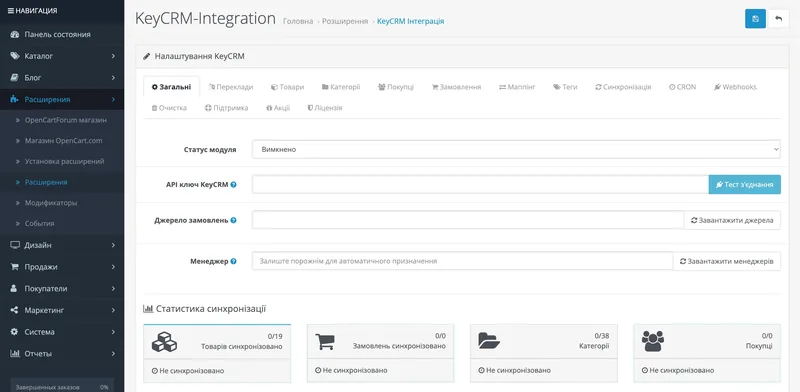
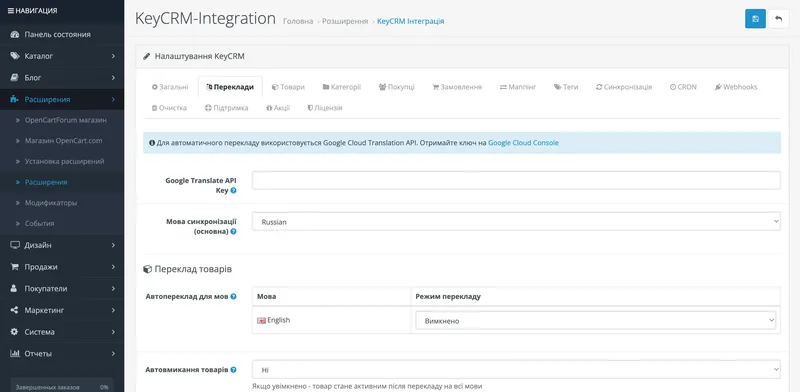
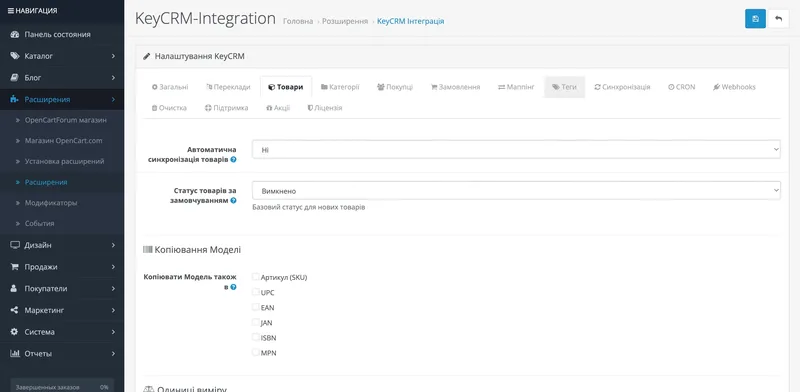
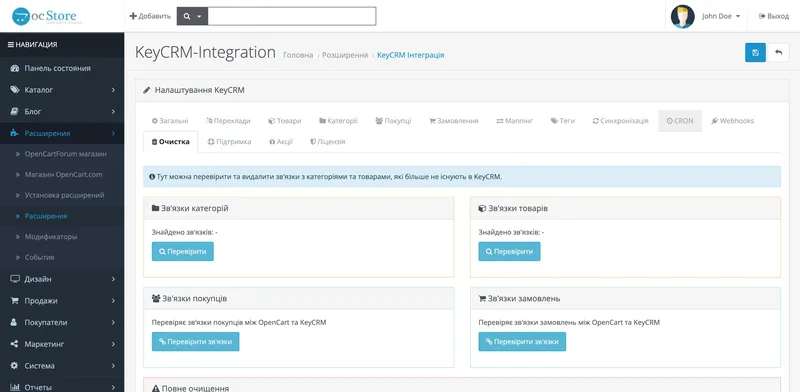
Features of the KeyCRM module for OpenCart
📦 Order
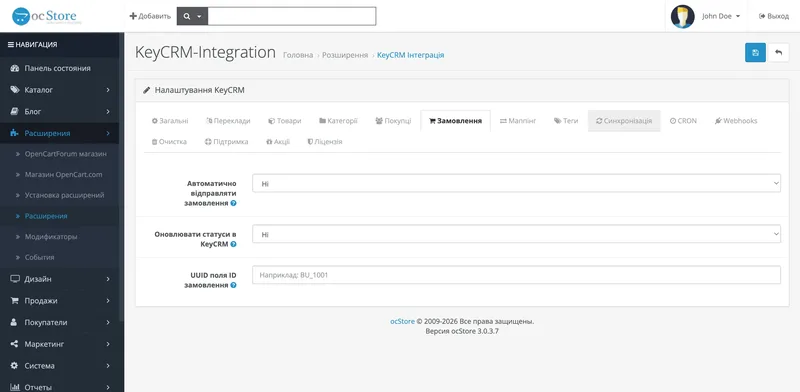
New orders are automatically transferred to KeyCRM, and orders from CRM can be imported into OpenCart. The module links records by UUID, protects against duplicates, supports KeyCRM sources and two-way status synchronization with history saving.
🛍️ Goods, options and balances
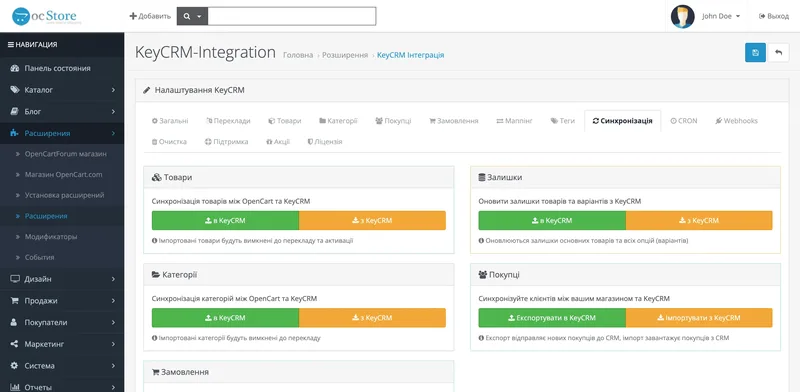
Import and export of goods, update of prices and warehouse balances, support of variants and options. The module is able to create new products, link existing ones without duplicates, work with manufacturers, SKU options, units of weight and dimensions.
📂 Categories
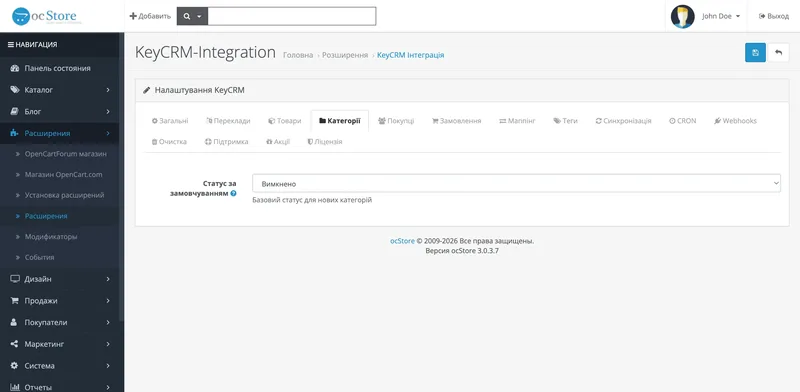
Categories are imported from KeyCRM to OpenCart and exported back. Creation of new categories, automatic updating and synchronization of links of goods with categories are supported.
👥 Clients
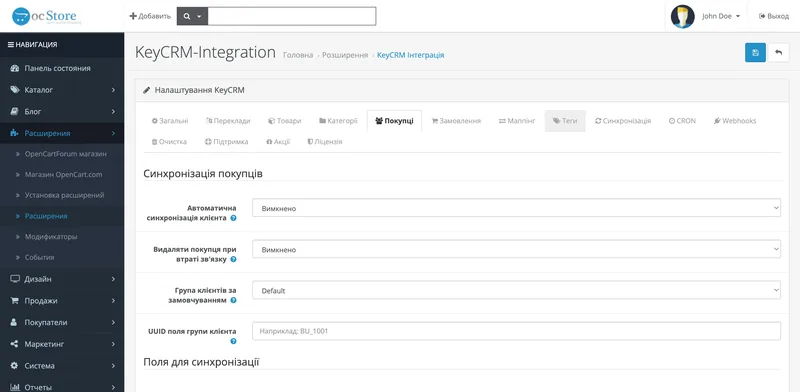
Customers are imported and exported along with name, phone, email and address. A separate mapping of customer groups allows you to match OpenCart and KeyCRM segments without manually duplicating contacts.
🔄 CRON and Webhooks
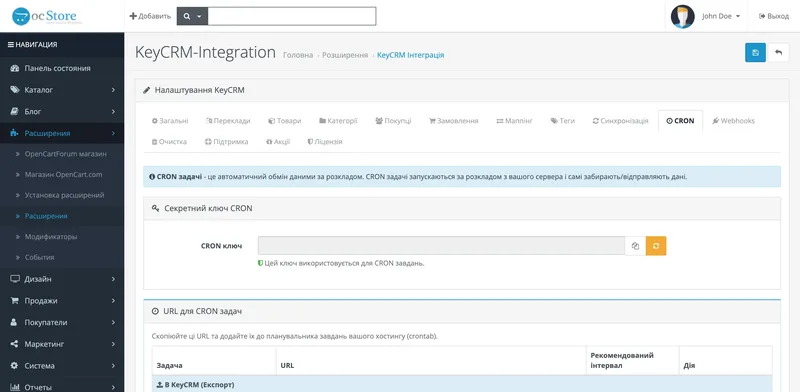
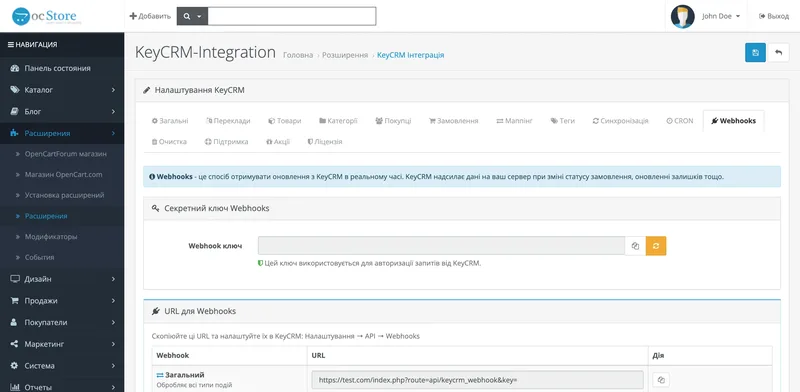
Regular imports and exports are performed on a CRON schedule. KeyCRM's outgoing webhooks promptly communicate changes to orders, statuses, and balances. Each transaction can also be run manually for testing or maintenance purposes.
⚙️ Mapping and automation
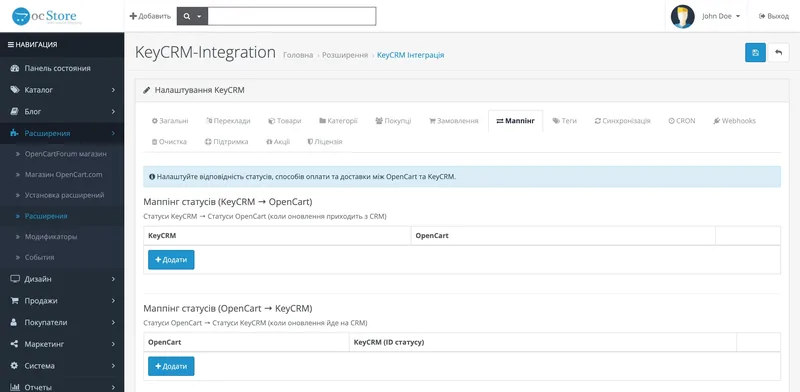
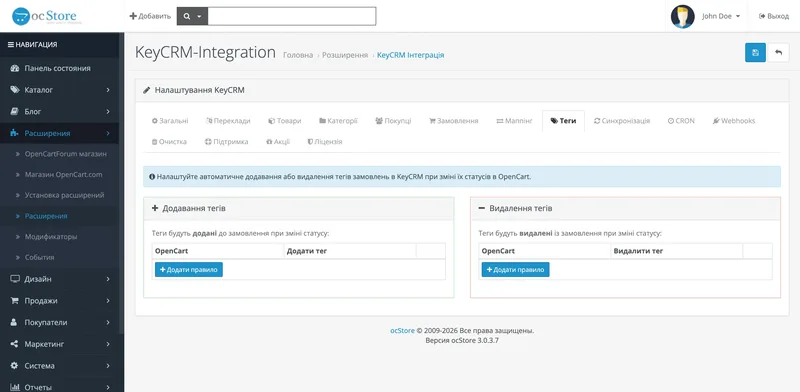
Matches of order statuses, delivery methods and payment are adjusted. Tag rules automatically add or remove tags in KeyCRM. For multilingual catalogs, translation of products and categories is available through the Google Cloud Translation API.
How KeyCRM integration with OpenCart works
The module establishes a connection between your OpenCart store and KeyCRM via API. Here's how the process works:
- Installing the module — download the archive through the OpenCart installer. The core files are not changed - the module works autonomously.
- API connection — enter the KeyCRM API key in the module settings. The module automatically checks the connection.
- Setting directions — choose import or export of goods, categories, customers and orders; you set the mapping of statuses, payments and deliveries.
- Control synchronization — link test entities by ID/UUID and SKU, check options, prices, balances and duplicate protection.
- Automatic operation — scheduled operations are performed by CRON, and changes from KeyCRM are handled by webhooks. If necessary, each process is started manually.
Setup time depends on the number of statuses, lineups, options, and custom fields. For a safe start, a small set of data is checked first, and then the entire directory.
Why do you need a CRM for an online store?
As orders come in from your website, social media, and marketplaces, manual data migration quickly creates duplicates and discrepancies. KeyCRM integrates sales channels, and the module is responsible for the exchange with OpenCart:
- A single window — orders from OpenCart, Instagram, Rozetka, Prom and telephony in one interface
- Automation — status scripts, tags, communications, shipping and other KeyCRM tools
- Analytics — reports on sales, managers' efficiency, product balances
- Warehouse accounting — product balances are synchronized between the store and CRM
- Scaling — it is easy to add new managers, new sales channels, new stores
The official connector is sufficient for basic order transfer. The comprehensive Build Zone module is required when catalog, customers, prices, balances and statuses are to be exchanged with orders.
KeyCRM and OpenCart integration instructions
How to connect KeyCRM to OpenCart
Source, API Key, Install, Mapping, CRON, Webhook and Benchmark.
Transfer of orders without duplicates
Customer fields, options, shipping, payment, UUID and two-way statuses.
Synchronization of balances via API
Option SKUs, reserve, warehouses, API limits, queue and secure bulk launch.
Official or extended module
Comparison of capabilities, scenarios, limitations and cost without marketing embellishments.
Frequently asked questions about KeyCRM integration
For which versions of OpenCart does the module work?
Current version 1.3.2 supports OpenCart 3.0 and ocStore 3.0. OpenCart.Pro and ocShop are not supported. Before buying a custom assembly let's check compatibility.
Do I need a KeyCRM account?
Yes, an active KeyCRM account and an API key are required for the module to work. The integration can be tested on a test account before the full launch.
Will the module affect site speed?
Scheduled imports and exports are done via CRON, and KeyCRM events are handled by webhooks, so bulk sharing doesn't need to be done when the buyer opens pages.
What happens to existing orders after installation?
At first launch, the module can transfer existing orders from OpenCart to KeyCRM. It's customizable—you choose whether to migrate existing data or start syncing from scratch.
How to quickly configure the module?
Basic installation is done via the OpenCart 3 installer. Full setup time depends on the mapping of statuses, payments, shipping, SKUs and selected sync destinations.
Requirements
- OpenCart 3.0 or ocStore 3.0
- Active KeyCRM account
- KeyCRM API key
- SSL certificate and access to CRON
- Unique SKUs of products and options for catalog and inventory exchanges
Need integration with KeyCRM?
Buy a module or order installation and configuration from us.